Paper Program or Phone Screen: Pick the One You Will Actually Use
Compare a paper program with a phone screen to choose the festival schedule you can browse easily, check quickly, and adapt as plans change.
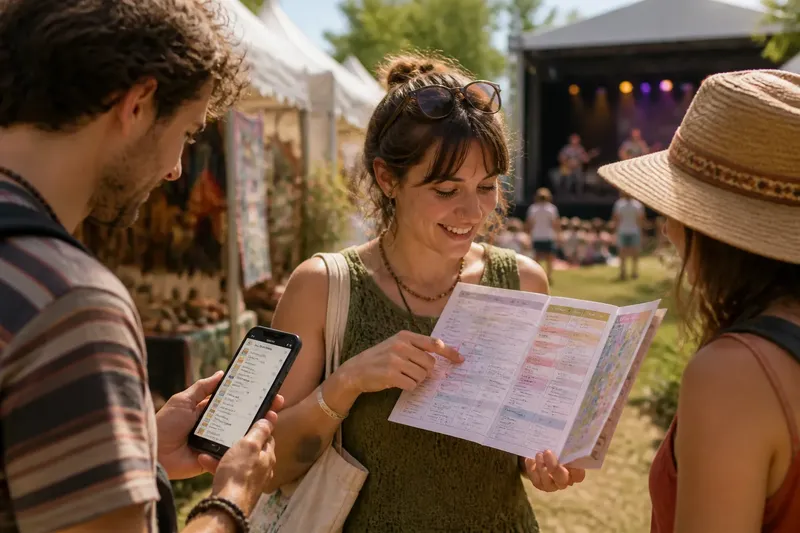
You arrive at a festival gate with friends, a paper program tucked under one arm and a phone already open to the event listing. For choosing between a paper program and phone screen, the better option is the one you can consult without slowing down, losing your place, or making the rest of your group wait.
Festival schedules serve different needs: browsing the grounds, checking a start time while walking, or adjusting plans after spotting an appealing performance. Printed programs and digital listings handle these moments differently, and a simple combination can cover both.
What does a paper program make easier?
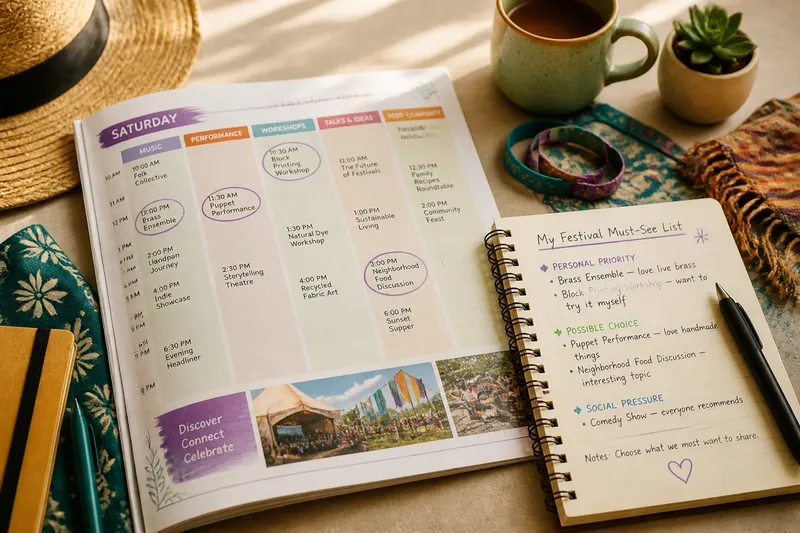
A printed program puts the schedule and surrounding details in one view. You can scan a column of times, compare nearby events, and notice a small listing you might not have searched for by name. That broad view suits visitors who like to understand the day before choosing where to go.
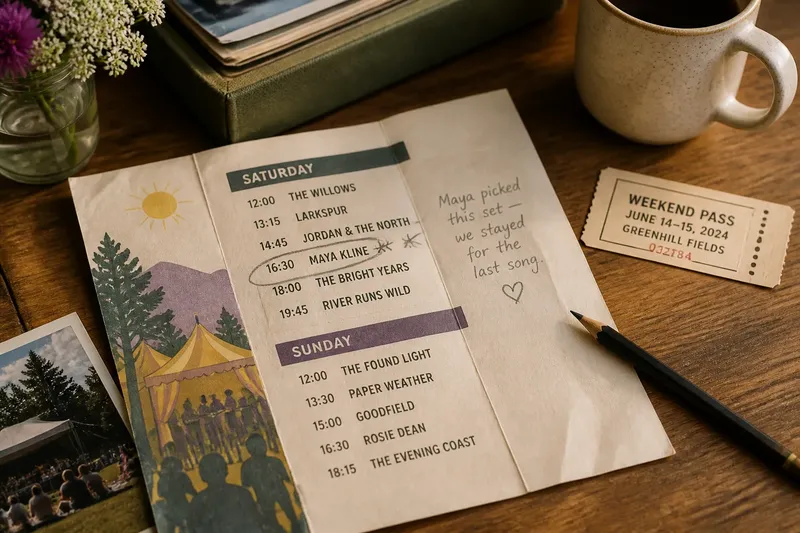
Paper also works without a charged battery, a signal, or an unlocked screen. A fold, pencil mark, or dog-eared page can show a preferred event or tentative option at a glance. If you are sharing the program, another person can point to the same listing without passing a phone around.
The tradeoff is that a printed schedule cannot update itself. If a venue changes, an event runs late, or an announcement adds information, the paper may no longer reflect the current plan. Small print, a crowded layout, or an awkward-to-carry program can also make repeated checks less comfortable.
Choose paper when browsing the whole program matters more than receiving updates, and when you prefer a stable, shared view. Keep it somewhere easy to reach rather than burying it beneath other belongings.
When does a phone screen work better?
A digital listing is useful when the festival offers current schedule information, searchable event names, or announcements in the same place. Search can help you locate a performer or activity without scanning every page, while a saved event or calendar entry can make a chosen time easier to retrieve.
A phone can also be a convenient shared reference if your group already communicates through messages. You can send a listing to a friend, check a venue detail, or look for a notice without carrying a separate booklet. This approach suits visitors who want to keep plans flexible and are comfortable consulting a screen.
Digital access has its own dependencies. A weak connection, a dim screen in bright sunlight, a low battery, or a crowded page can turn a quick check into a delay. If the listing requires repeated navigation or several taps to reach the schedule, the screen may be less handy than it first appears.
Before relying on a digital listing, open it while you have a connection and see whether the schedule remains accessible afterward. Save the festival page or relevant events if the service allows it, and consider a charging option only if it fits your day.
Which format suits the way you attend?
The choice depends less on which format is newer than on what you need to do with the schedule. Check your habits and the conditions you expect at this festival, then let the results guide your plan:
- Check whether you want to compare events across the grounds. If seeing several listings at once helps, choose a printed program; if you mainly need one event at a time, use a searchable digital listing.
- Check whether you expect schedule notices to affect your plans. If so, use the organizer’s current digital listing for updates; if not, a printed program may be enough for the day.
- Check whether the digital schedule opens without a connection. If it remains accessible offline, save it for quick reference; if it does not, bring or collect a paper program as a fallback.
- Check whether you can read the screen comfortably where you will use it. If glare or small text makes it difficult, use paper for routine checks; if the screen is clear, keep the digital listing handy.
- Check how your group will consult the same plan. If everyone can open a shared link, send it before separating; if not, keep a paper copy available when you are together.
- Check whether you can reach your chosen format quickly. If the program is buried in a bag, move it to an accessible pocket; if the phone listing takes several taps to reopen, bookmark it or save the relevant page.
Imagine you are attending a craft festival and want to browse stalls while catching a scheduled music set. You circle the set in the printed program, then open the organizer’s digital notice before leaving the craft area; if the time and venue still match, you head to the set, and if a notice shows a change, you use the updated location instead. The expected result is a broad overview for browsing and a current check for the event that matters.
How can you make either option quicker to use?
Give your schedule a little structure without planning every moment. Mark only the events you would be disappointed to miss, then leave other listings open for spontaneous choices. This keeps the program useful as a reference instead of turning it into a rigid itinerary.
With paper, use a pencil or a light mark that will not obscure nearby listings. Note a venue beside an event if the layout separates locations from times, and fold the page to the section you expect to revisit. Too many marks can make the page harder to scan.
With a phone, save the schedule in a form that is easy to reopen. A browser bookmark, an event saved within the festival’s app, or a screenshot of a relevant section may help, depending on what the organizer provides. Keep a screenshot clearly tied to the event name or time so it does not become an unexplained image among other files.
If schedule changes are possible, decide when you will check them rather than refreshing constantly. Glance at the festival’s official listing before leaving one area for another, especially if a change would affect your next choice.
What should you check about paper and digital schedules?
Can I use the digital schedule without a connection?
That depends on the festival’s site or app. Open the listing before arriving and see whether it remains available offline; if it does not, keep a paper schedule or another accessible copy as a fallback.
Will a printed program include later changes?
A paper copy reflects the information available when it was prepared, so it may not show later notices. If a change could affect your plans, check the organizer’s current channel when convenient.
How should a group share one schedule?
Choose the format everyone can consult without making one person a constant messenger. A paper copy works well for people gathered together, while a shared link can suit a group that separates and reconnects during the day.
Can I switch formats during the festival?
Yes. You might browse the printed program at the entrance, then use a phone to check a specific event later. Switching works well when each format has a clear job rather than duplicating every detail.
How do you settle on a format?
Ask yourself whether you want to browse broadly or search for specific events, whether current notices are likely to matter, and which schedule you can reach and read with the least friction. Your answers point toward paper, digital, or a modest combination.
The simplest choice is the one that fits the festival and your habits, not the one that carries the most information. For a flexible day, a printed overview paired with occasional phone checks may be enough; for a tightly scheduled visit, a searchable listing may be more convenient. Pick the festival program format you will actually consult, and give it a place in your day where it is easy to find.
Before leaving home or entering the grounds, confirm that the event names and locations are clear in your chosen format. When you can recognize the listing you need at a glance, you can spend less attention searching and more time deciding what to see.